Curious about how a visual ear cleaner works? The Sofbunny A03 combines a compact camera tool with a built-in display, allowing you to view the image directly without downloading an app or pairing the device with Bluetooth.
This guide explains the main features of the Sofbunny A03, what comes in the package, how to set it up, and important care reminders for everyday use.
Looking for a simple visual ear-care tool with a built-in screen?
[View the Sofbunny A03 Visual Ear Cleaner]
Watch the hands-on video below to see the product, accessories, built-in display, and basic setup process.
The Sofbunny A03 is a visual ear cleaner designed with a built-in screen and a compact camera handle. Unlike many app-connected ear cameras, it displays the live image directly on the included screen.
There is no app to download, no account to register, and no Bluetooth pairing process. Simply turn on the device, confirm that the camera image is clear, and follow the product instructions.
The device is intended for visual inspection and routine personal care. It should not be used to diagnose or treat an ear condition.
The included screen shows the camera image directly, making the device convenient for users who do not want to connect an ear camera to a smartphone.
The Sofbunny A03 works as a self-contained system. You do not need to install an app, create an account, or connect the product to Wi-Fi or Bluetooth.
The camera and built-in lighting provide a clearer view of the area being inspected.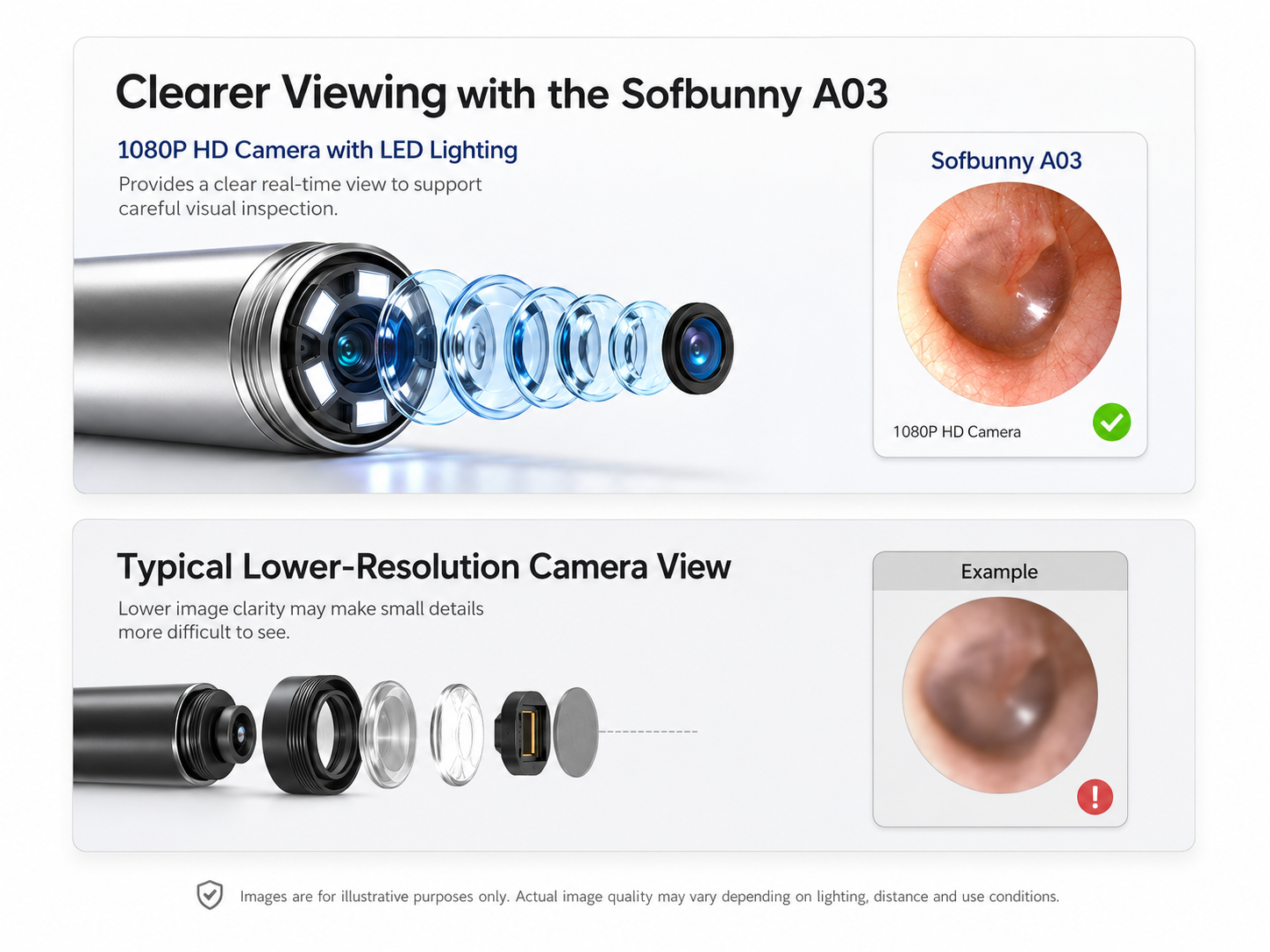
The package includes different attachments for personal-care tasks. Always confirm that an attachment is firmly secured before using the device.
The device has a rechargeable design and can be stored together with its accessories, making it easier to keep the set organized.
Explore the Sofbunny A03 visual ear cleaner with built-in screen for full product details, accessories, pricing, and availability.
Depending on the selected package, the Sofbunny A03 set may include:
Package contents may vary. Check the product page and package list before ordering.
Charge the main unit before using it for the first time. Follow the charging instructions provided in the user manual.
Select the appropriate attachment and make sure it is securely connected to the camera handle.
Power on the screen and camera. Wait for the live image to appear.
Before use, confirm that the image is clear and that the camera light is working properly.
Hold the device steadily and use slow, controlled movements. Do not insert the attachment deeply or apply pressure.
After use, remove and clean the detachable attachment according to the instructions in the product manual. Do not immerse the main electronic unit in water.
The ear canal and eardrum are delicate. Keep movements gentle and avoid deep insertion.
Stop using the device and seek advice from a qualified healthcare professional if you experience:
Do not use the product to diagnose an infection, damaged eardrum, or another medical condition. Professional earwax removal may be more appropriate when wax is impacted or symptoms are present.
The Sofbunny A03 may appeal to people looking for:
It is a personal-care product and is not a substitute for a professional ear examination.
No. The live camera image appears on the built-in screen, so there is no app to download or Bluetooth connection to set up.
Children have smaller and more sensitive ear canals. Do not use the device on a child without guidance from a qualified healthcare professional.
Do not place an ear-cleaning device into the ear when there is a known or suspected perforation, ear tubes, active infection, pain, bleeding, or drainage. Consult a qualified healthcare professional first.
Follow the cleaning instructions in the user manual. Clean detachable tips after use, allow them to dry fully, and do not immerse the electronic screen or camera unit in water.
Purchase through the official Sofbunny product page to view the latest package options, pricing, shipping information, and availability.
The Sofbunny A03 offers a built-in screen, direct camera viewing, and a setup that does not require an app. It is designed for people looking for a convenient visual personal-care tool at home.
Use the device carefully, follow the product manual, and contact a qualified healthcare professional whenever you experience pain, discharge, hearing changes, or another ear-related concern.